



TRACETECH™ HEDR Vehicle Event Data Retrieval System
Professional Crash Data Retrieval Solution for Investigators, Insurance & Forensic Experts
Professional crash data retrieval solution for accident investigators, insurers and forensic experts.
Retrieve crash-related data through OBD or ACM direct connection, generate structured PDF reports, and support investigation workflows for Chinese brands, EVs, hybrids and selected international vehicles.
Couldn't load pickup availability

Supported Brands
Supported Models
Dual Access Modes
Professional Reports
Certified
Supported Vehicle Coverage
100+ Supported Vehicle Brands
TRACETECH™ HEDR supports a broad range of Chinese brands, EVs, hybrids and gasoline vehicles.


Compatibility may vary by model year, market version and EDR module configuration. Please download the latest vehicle coverage list or contact us for confirmation.
Download HEDR Vehicle Coverage ListProfessional EDR Workflow
From Vehicle Access to Case Documentation
TRACETECH™ HEDR supports the practical workflow of crash data retrieval: confirm coverage, select the access method, read event data, verify consistency and generate a structured case report.
Confirm Coverage
Check vehicle brand, model year, market version and module configuration before operation.
Select Access Mode
Use OBD access when available, or direct ACM connection when the vehicle is damaged.
Read & Verify
Retrieve available event data and review reading consistency before final output.
Generate Report
Create a structured PDF report for investigation, insurance review or forensic documentation.
Core Advantages
Key Features
TRACETECH™ HEDR is designed to make crash data retrieval more practical, structured and reliable for professional investigation workflows.
Practical Field Workflow
Designed for real investigation scenarios where vehicle condition, access method and case requirements may vary.
Guided Operation
Clear software guidance helps users follow vehicle selection, connection, reading and report generation steps.
Case-Oriented Data Handling
Retrieved data can be organized for accident reconstruction, insurance review, forensic analysis and official documentation.
Controlled Local Storage
Case data is stored locally, supporting controlled data handling for sensitive investigation environments.
Consistency Check Workflow
Repeated reading and data verification help users review result consistency before generating a final report.
Distributor & User Support
Remote technical support is available for compatibility checks, operation guidance and troubleshooting.
OBD Plug-and-Read Data Access
Fast Access Through the Vehicle OBD Port
For compatible vehicles, TRACETECH™ HEDR allows crash data retrieval through the vehicle OBD port. This plug-and-read workflow helps reduce preparation time and makes the reading process more efficient for investigators and technicians.
OBD access is suitable for vehicles where the diagnostic port remains available and the EDR data can be retrieved through supported communication protocols.


Integrated ACM Module Coverage
Direct ACM Connection for Damaged Vehicles
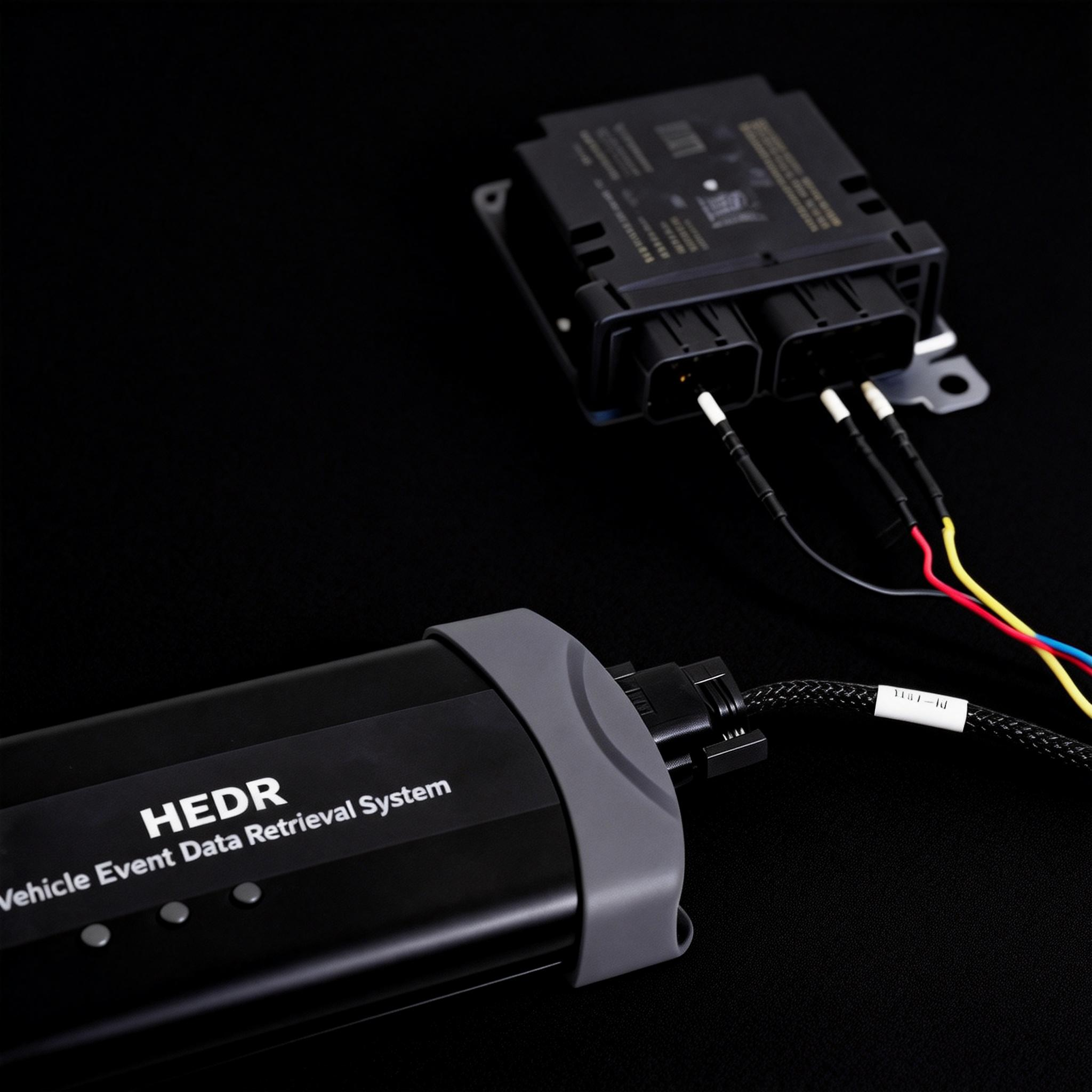
When the vehicle is heavily damaged or OBD access is not available, TRACETECH™ HEDR supports direct connection to compatible ACM modules. This provides an alternative retrieval method for real investigation scenarios.
Graphical wiring guidance helps reduce connection uncertainty during ACM data extraction and supports a more practical workflow for field investigation and forensic analysis.
Try HEDR App
Check Vehicle Coverage Before Purchase
Users can review supported brands and models through the HEDR app or download the latest vehicle coverage list from this page.
For project-based purchases, we recommend sharing your target vehicle list with our team for confirmation.

Secure Local Data & Evidence-Oriented Report
Structured Data Handling for Professional Cases
EDR data may be used as an important technical reference in accident reconstruction, insurance review and forensic investigation. TRACETECH™ HEDR supports local data storage and structured report generation to help users manage retrieved information in a controlled workflow.
After successful reading, the system can generate a professional PDF report for case documentation, review and analysis.


Remote Technical Support
Professional Support for Reading and Troubleshooting
TRACETECH™ HEDR is supported by a technical team that can assist users with vehicle compatibility checks, connection guidance and reading process troubleshooting.
For distributors and professional users, remote support helps improve the user experience during training, demonstration and real case operation.
Built for Professional Users
Accident Reconstruction
Retrieve objective vehicle event data to support pre-impact behavior analysis and crash sequence reconstruction.
Insurance Claim Investigation
Use vehicle data as an additional technical reference to support liability analysis and claim review.
Law Enforcement & Forensic Agencies
Support crash investigation, evidence documentation and professional case analysis with structured EDR reports.
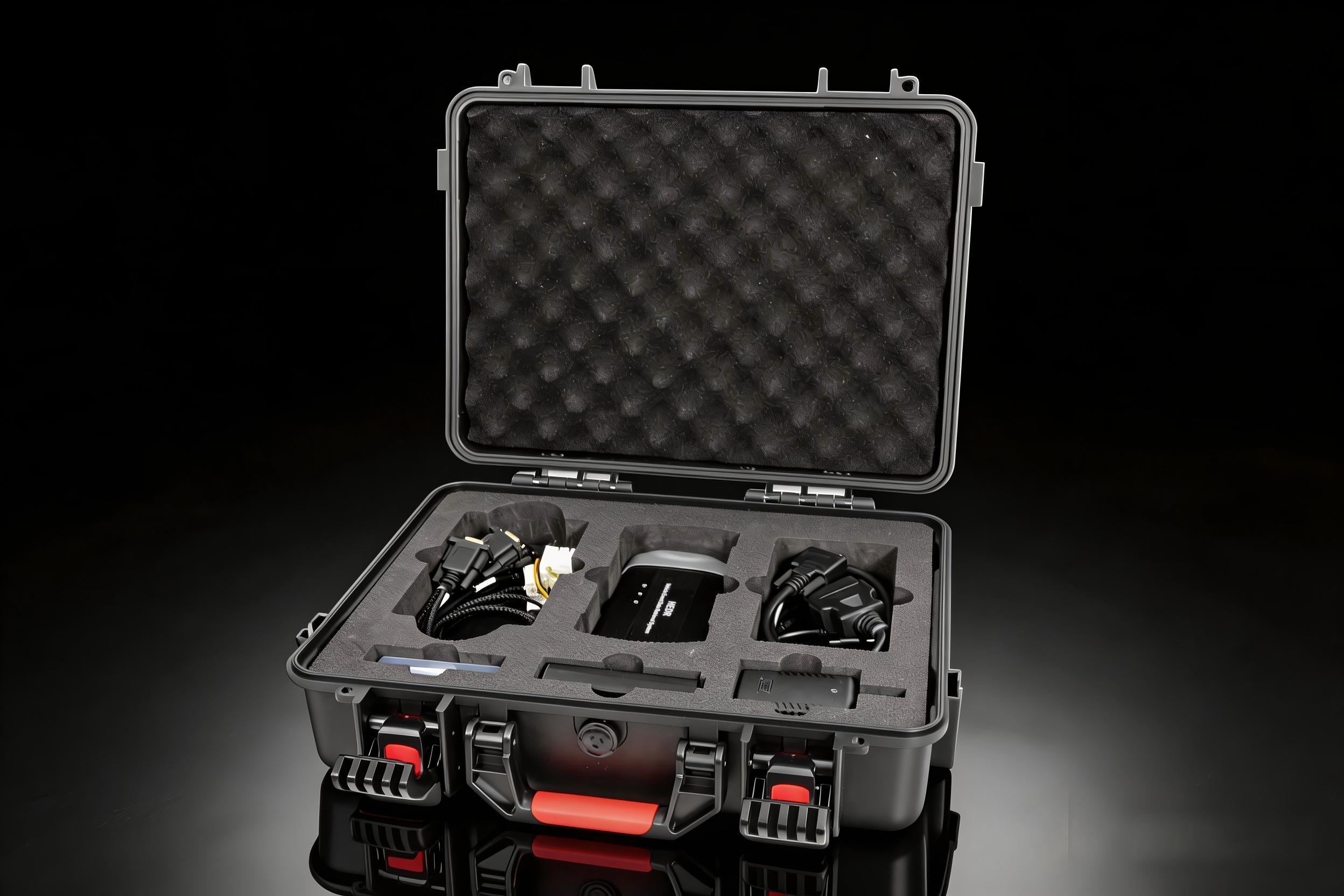
Package Contents
What’s Included in the HEDR System
| Item | Purpose / Description |
|---|---|
| Main Unit | Core HEDR device for vehicle event data retrieval. |
| OBD Cable | Connects the main unit to the vehicle’s OBD port. |
| USB Cable | Connects the mobile phone to the main unit. |
| Laptop Charger | Connects the computer to the main unit. |
| Charger | Charges the power bank or powers the device directly. |
| Power Bank | Provides power to the airbag control unit. |
| Battery Cable | Connects the battery to the device. |
| GM1 Data Cable | Connects the device to the OBD cable. |
| GM2 Data Cable | Connects the terminal to the device for supported Cadillac, Buick, and Chevrolet vehicle data reading. |
| EDR Data Cable | Connects the terminal to the device for ACM data retrieval. |
| TSL-1-1 Data Cable | Used for supported Tesla vehicle data reading. Connects the device to the OBD cable. |
| TSL-1-2 Data Cable | Used for supported Tesla vehicle data reading. Connects the device to the OBD cable. |
| TSL-1-3 Data Cable | Used for supported Tesla vehicle data reading. Connects the device to the OBD cable. |
| Terminal Set | Inserted into the pins of the airbag safety controller. Terminal types include No.1 Standard, No.2 Thick, and No.3 Thin. |
Cable usage may vary depending on the vehicle brand, model year, EDR module configuration, and selected access method.
Frequently Asked Questions
Can TRACETECH™ HEDR read all vehicles?
No. EDR data availability depends on the vehicle brand, model, production year, regional version and module configuration. Please check the latest compatibility list or contact us for confirmation before purchase.
What is the difference between OBD and ACM reading?
OBD reading uses the vehicle diagnostic port when supported. ACM reading connects directly to the airbag control module and is useful when the vehicle is damaged or OBD access is not available.
Are software updates available?
Yes. TRACETECH™ HEDR software is updated to expand vehicle coverage and improve system functionality. Please contact us for the latest update policy and supported model list.
Can I check vehicle compatibility before purchase?
Yes. You can review supported models through the HEDR app or download the latest HEDR vehicle coverage list from this page.
Operation Video
TRACETECH™ HEDR Operation Video